Bank of Khartoum USSD

Home > Digital > USSD

USSD Mobile Banking Service Release

Unstructured Supplementary Service Data (USSD)

Overview

Unstructured Supplementary Service Data (USSD) allows customers without a smartphone, mobile data, or an internet connection to access their account and use mobile banking services. The service supports financial inclusion for underbanked customers and makes essential banking more accessible.

Targeted Customers

The service is available for individual customers who meet the following criteria:
Features

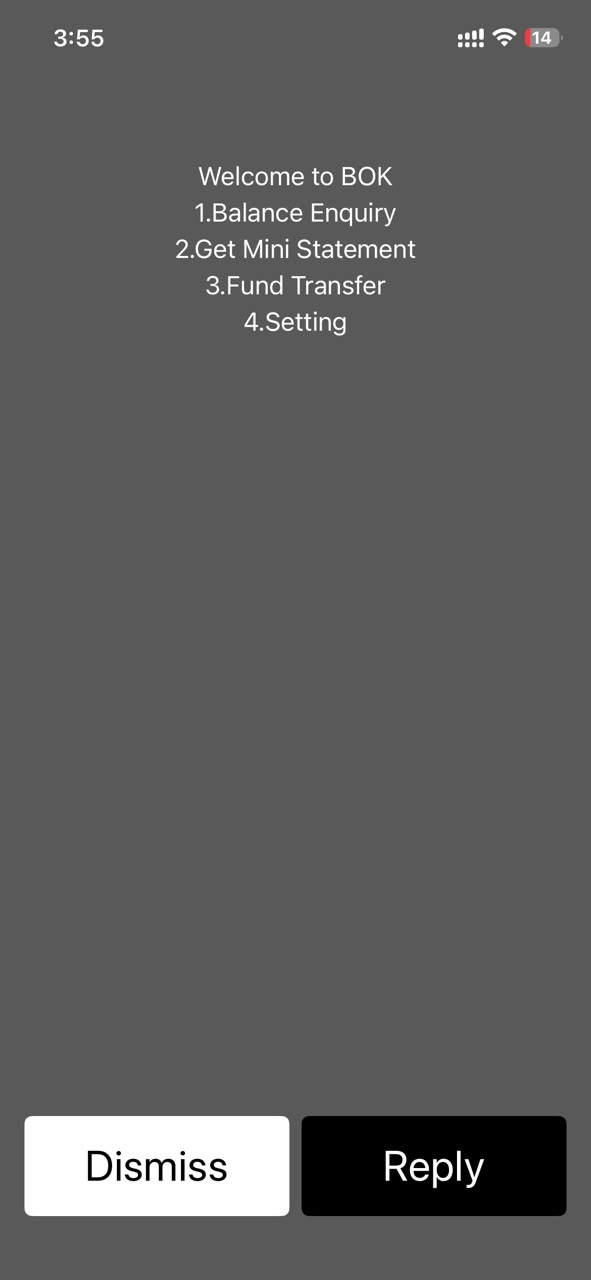
USSD available services menu

Available Services

Financial Services

  • Transfer to another BOK account

Nonfinancial Services

  • Check balance
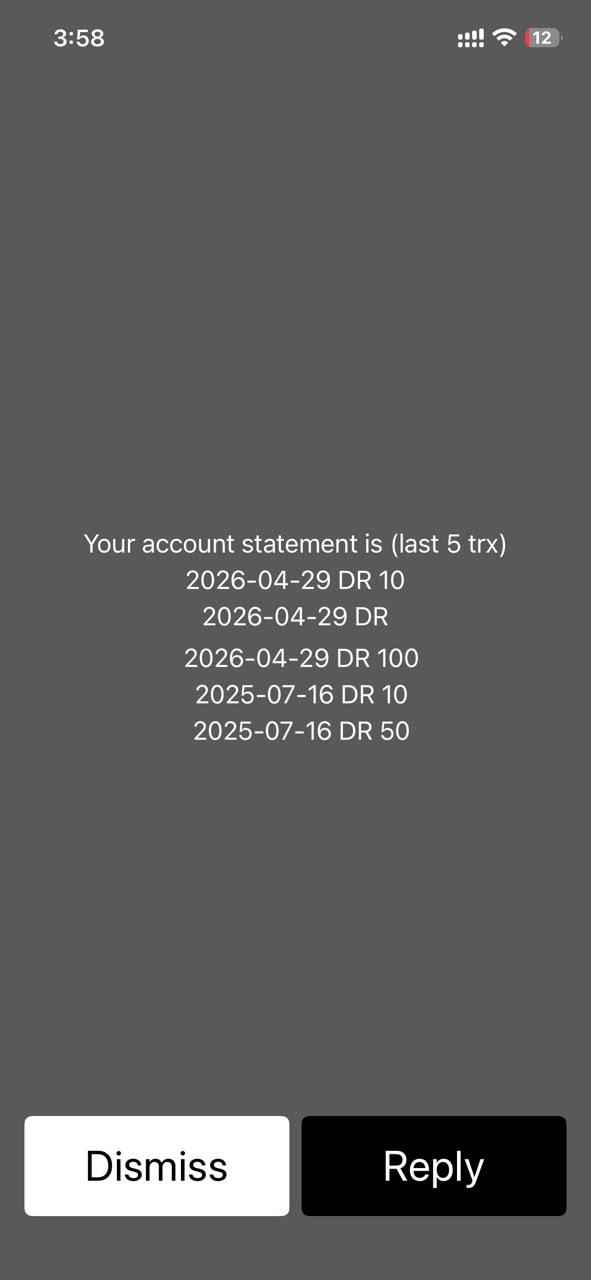
  • Last 5 transactions
  • Settings

Step-by-Step User Journey Flow

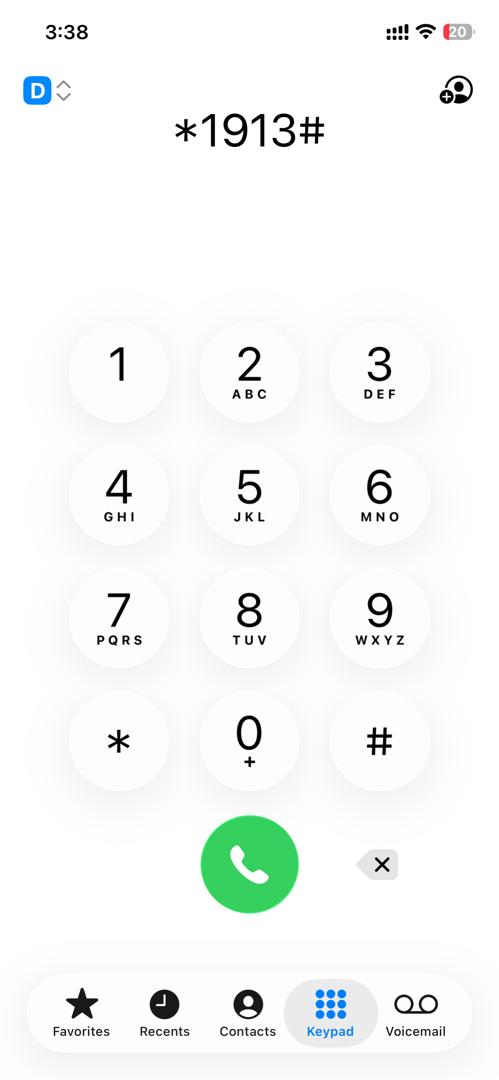
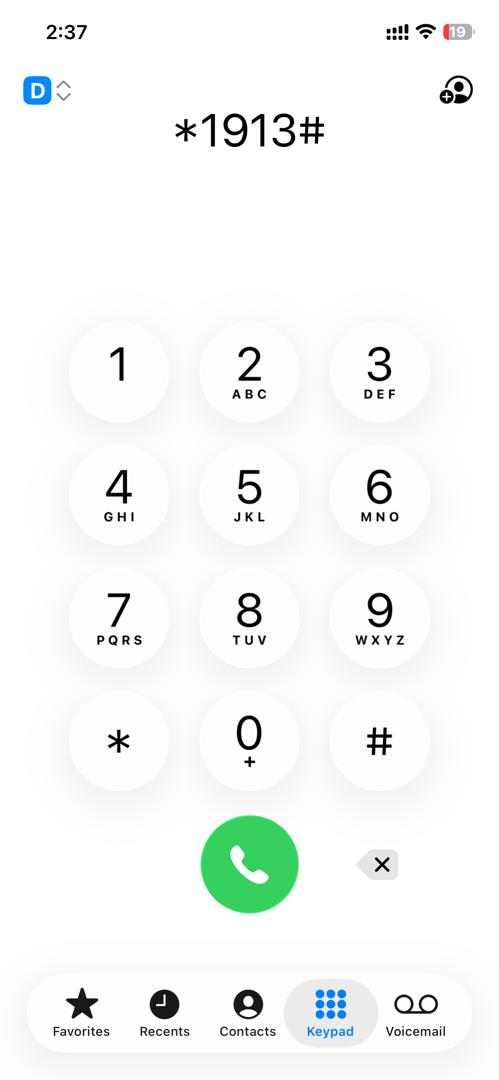
This will allow customers to access their bank account using special USSD code (*1913#).
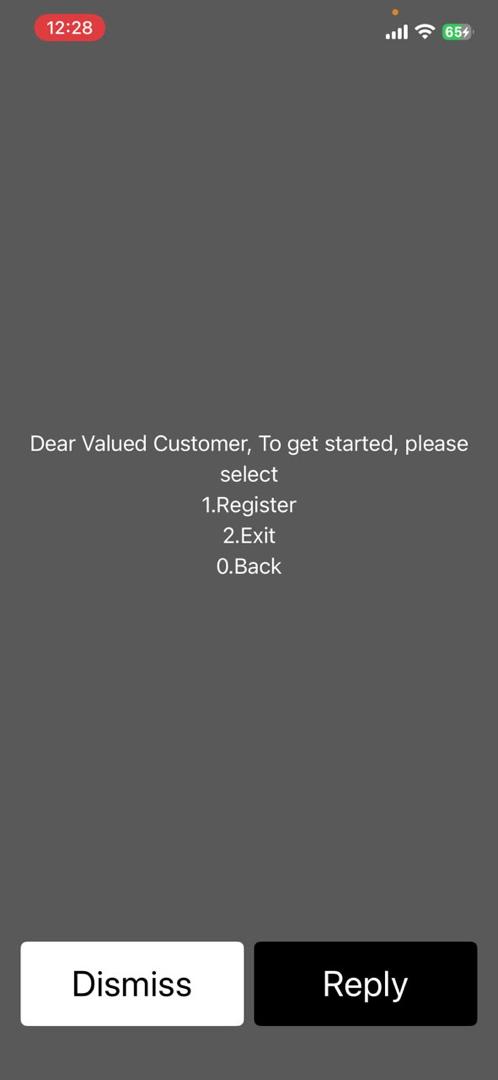
Registration

  • Customer needs to dial to BOK USSD Code (*1913#) from the registered mobile number
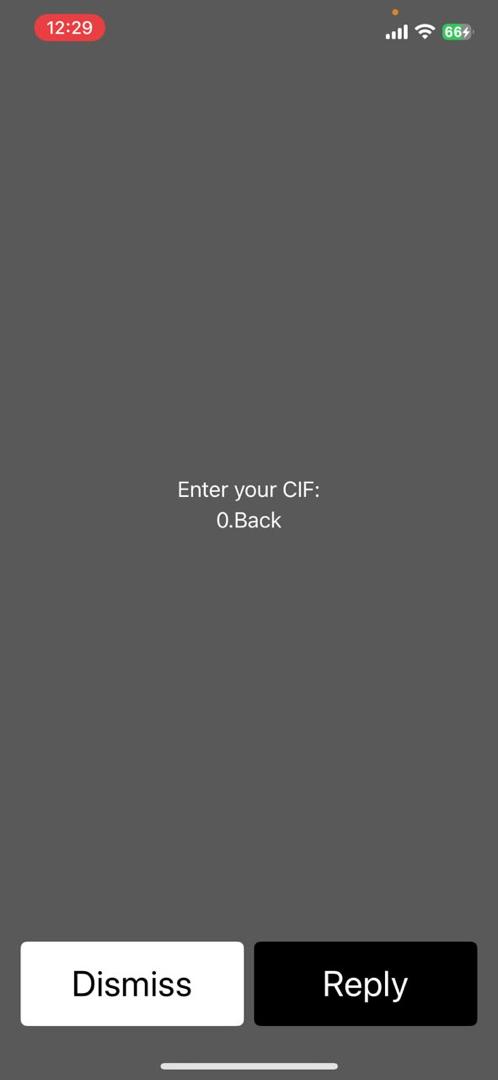
  • Enter his CIF number
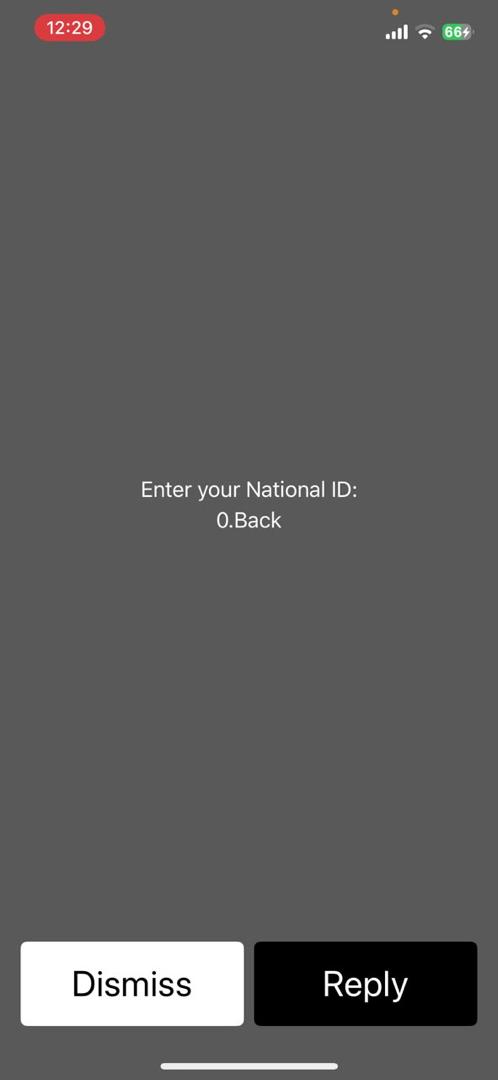
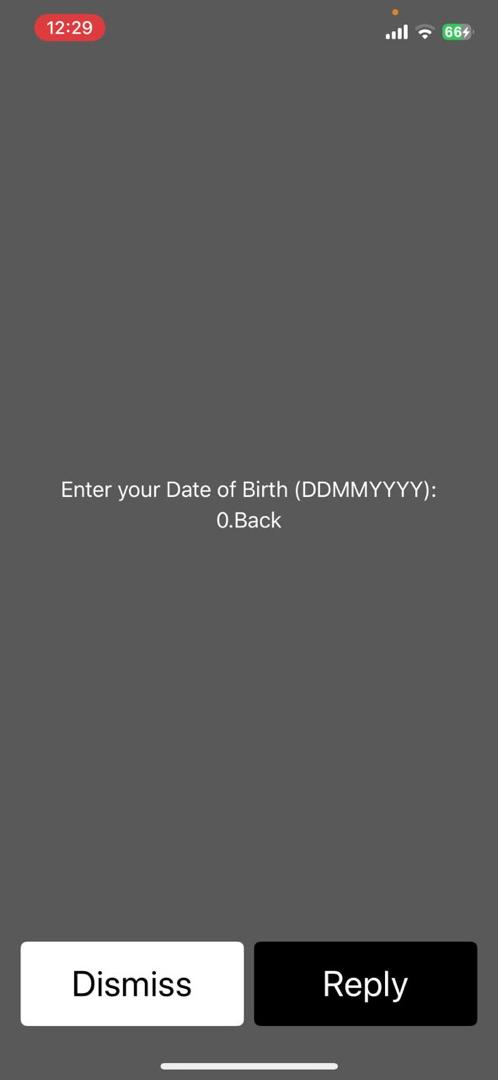
  • Enter NID & Date of Birth
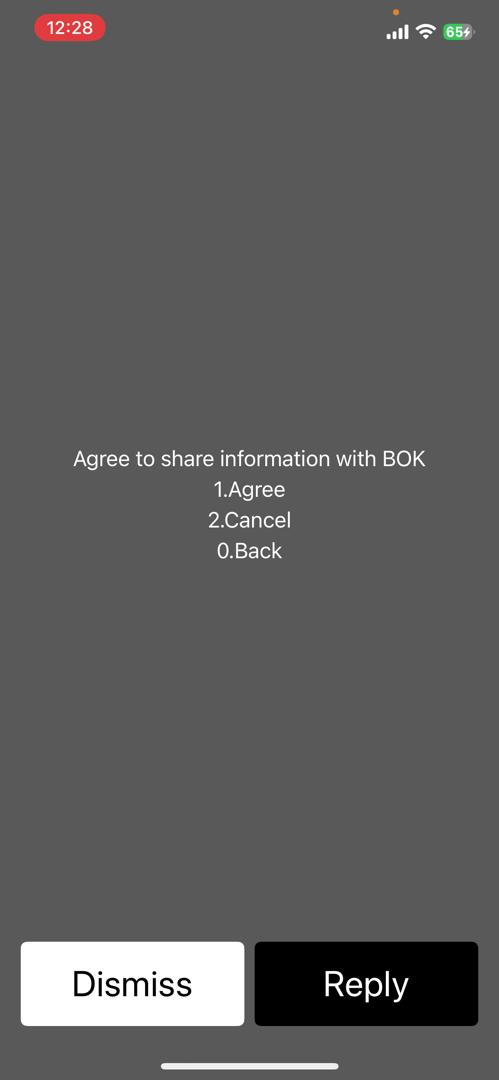
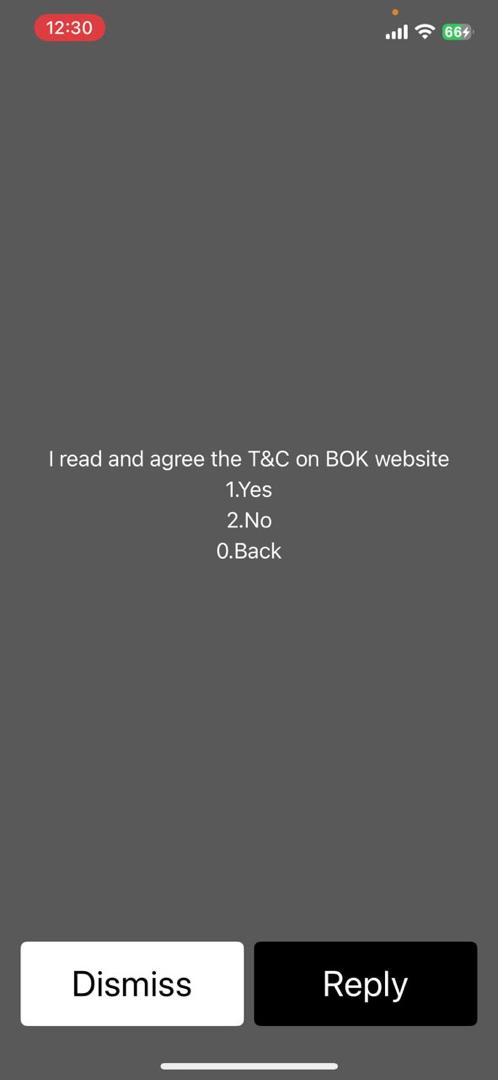
  • Customer will read and agree the T&Cs and confirm to proceed
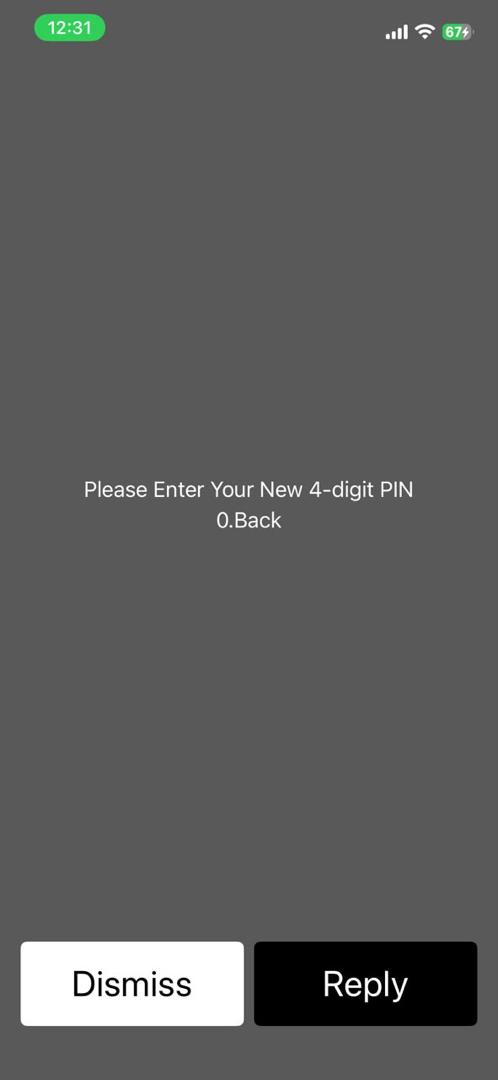
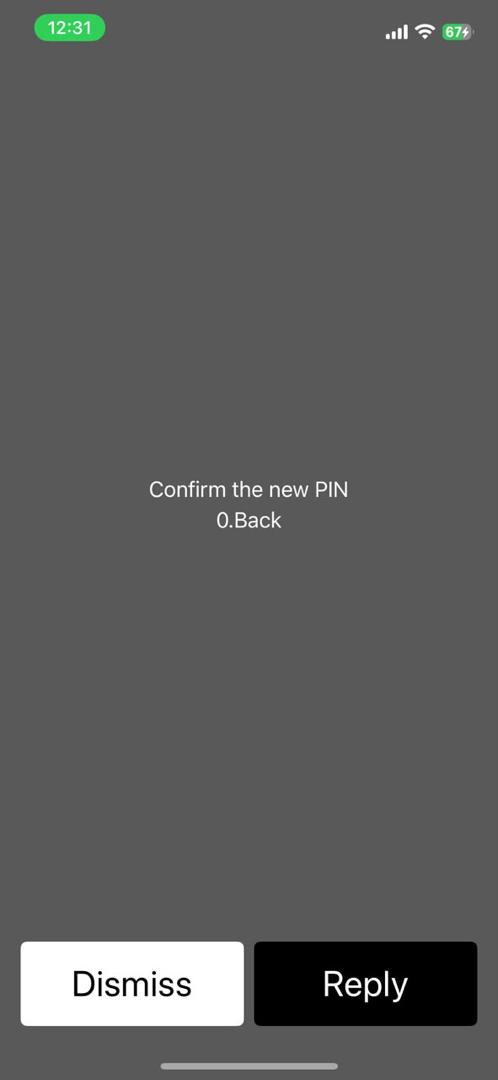
  • Enter MPIN and confirm MPIN
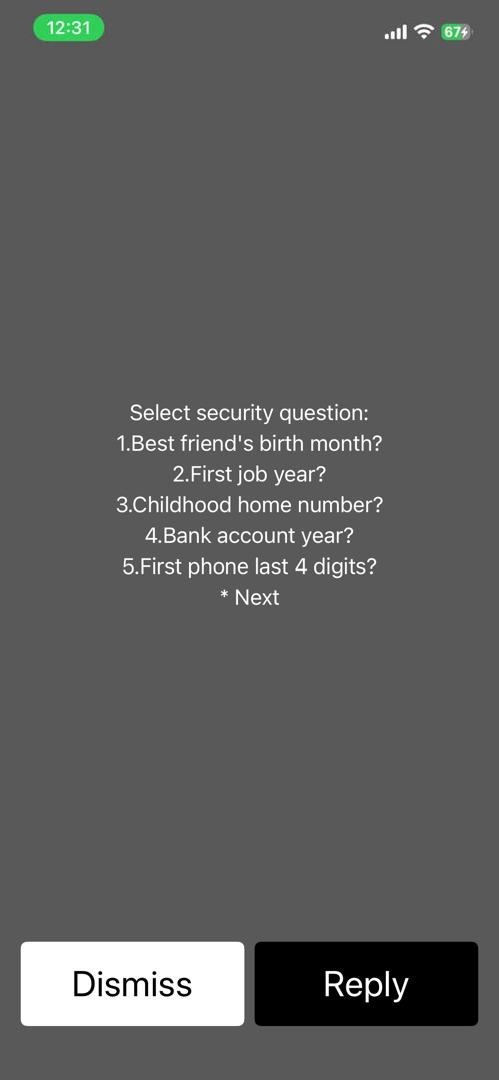
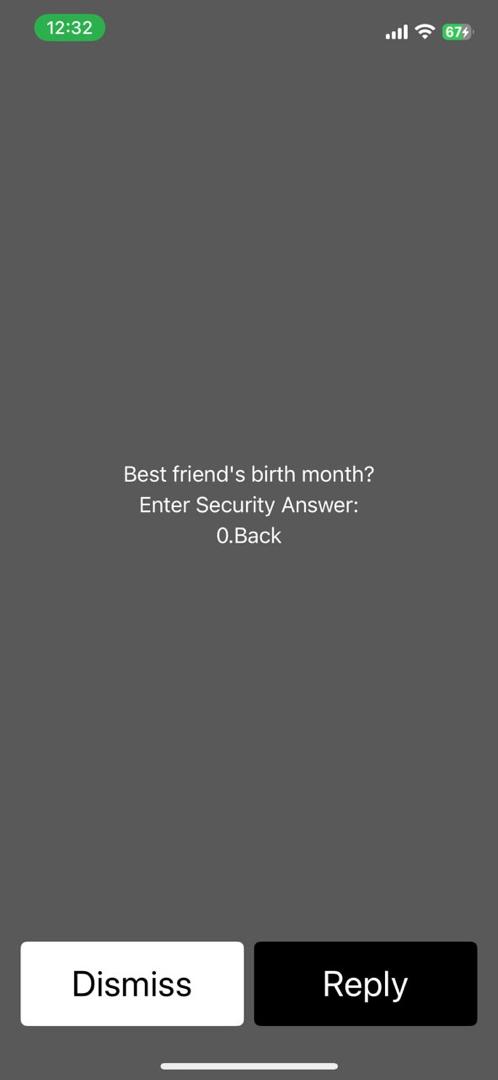
  • Set Security question and submit
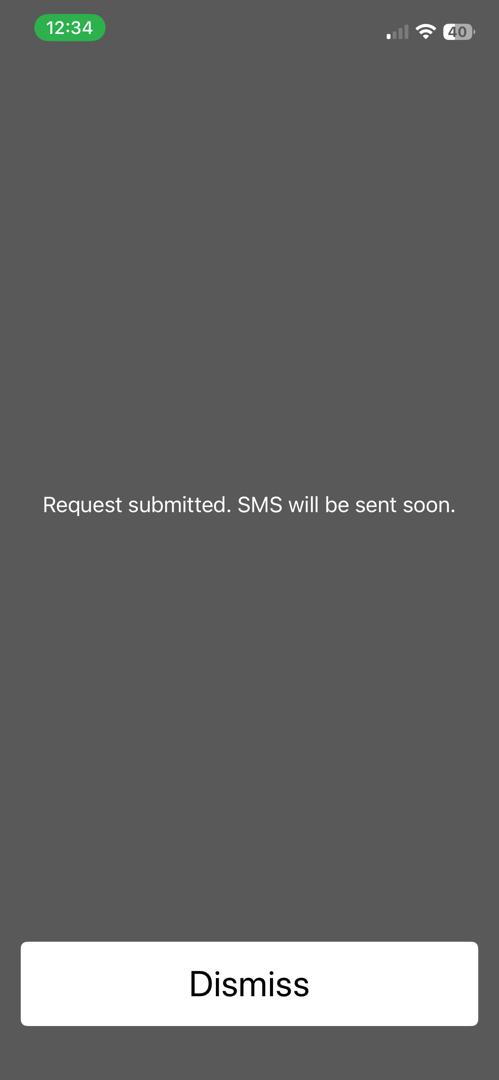
  • Once submit confirmation flash message will be shows to the customer

Dashboard

  • To log in, the customer dials the BOK USSD code (*1913#) from the registered mobile number and device.
  • The customer receives a list of available services:
  • Check balance
  • Mini statement (Check last 5 transactions)
  • Fund Transfer
  • Settings

Check balance

  • Customer dials the USSD code *1913# to access the main menu.
  • Select 1 for "Balance Enquiry" from the main menu options.
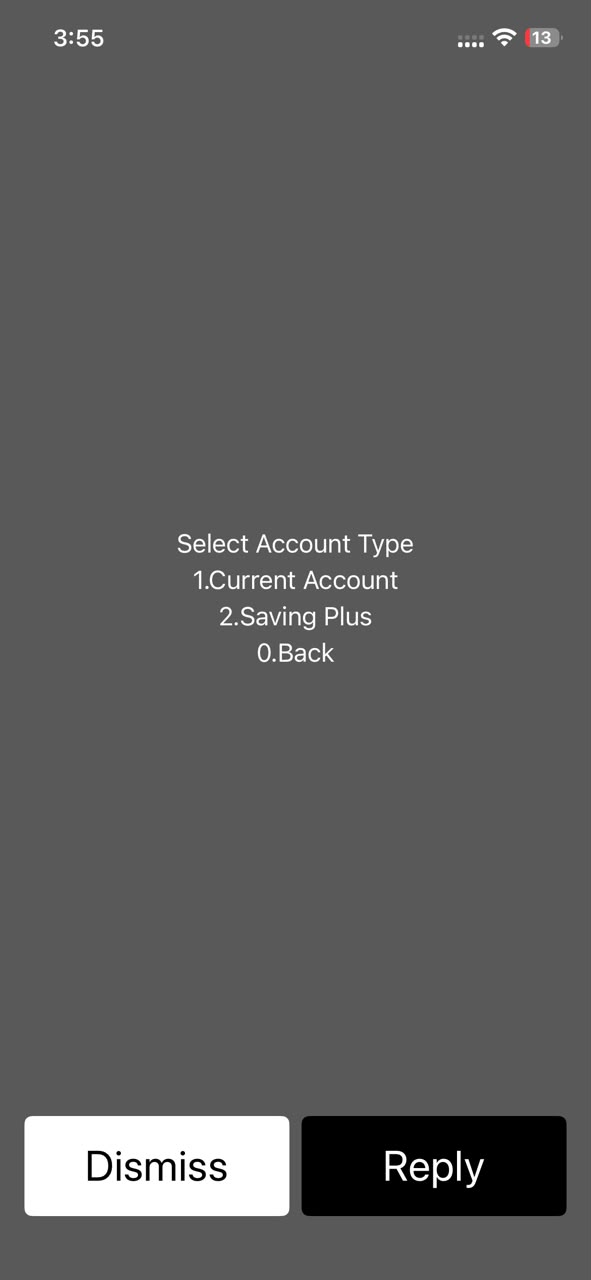
  • Select account type.
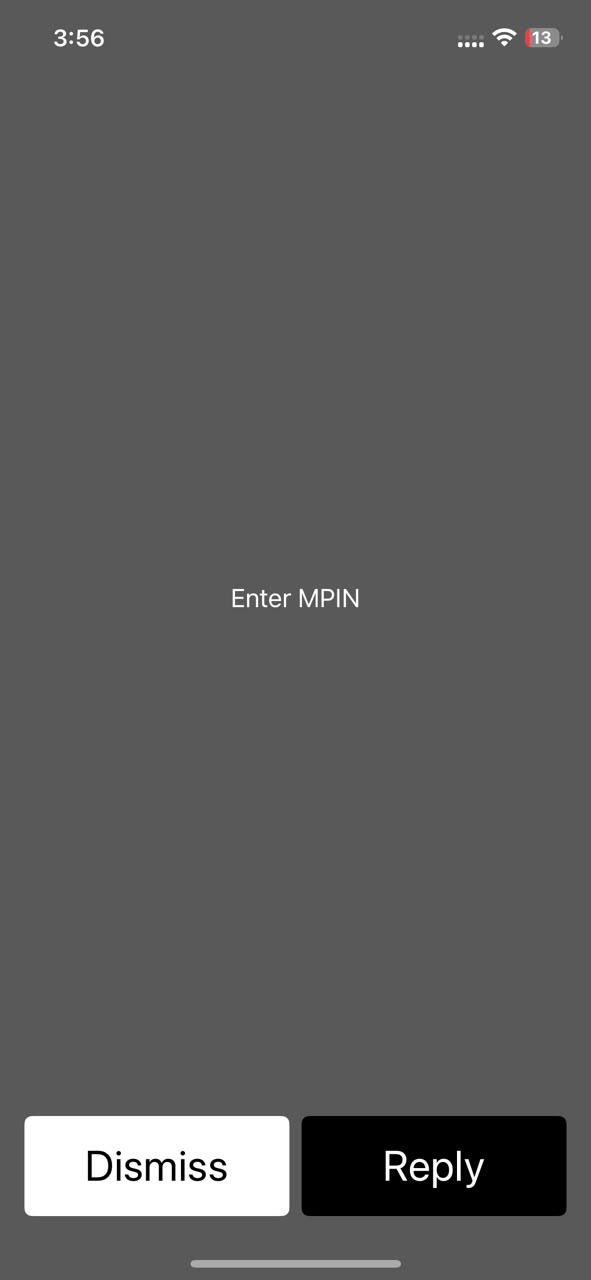
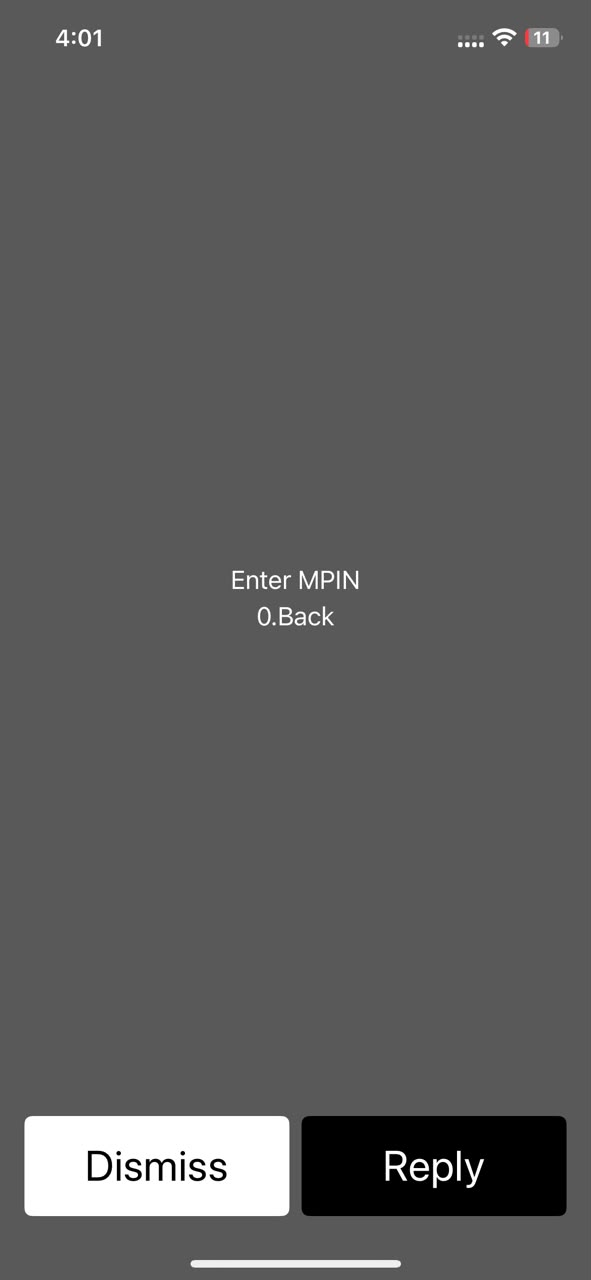
  • Enter MPIN.
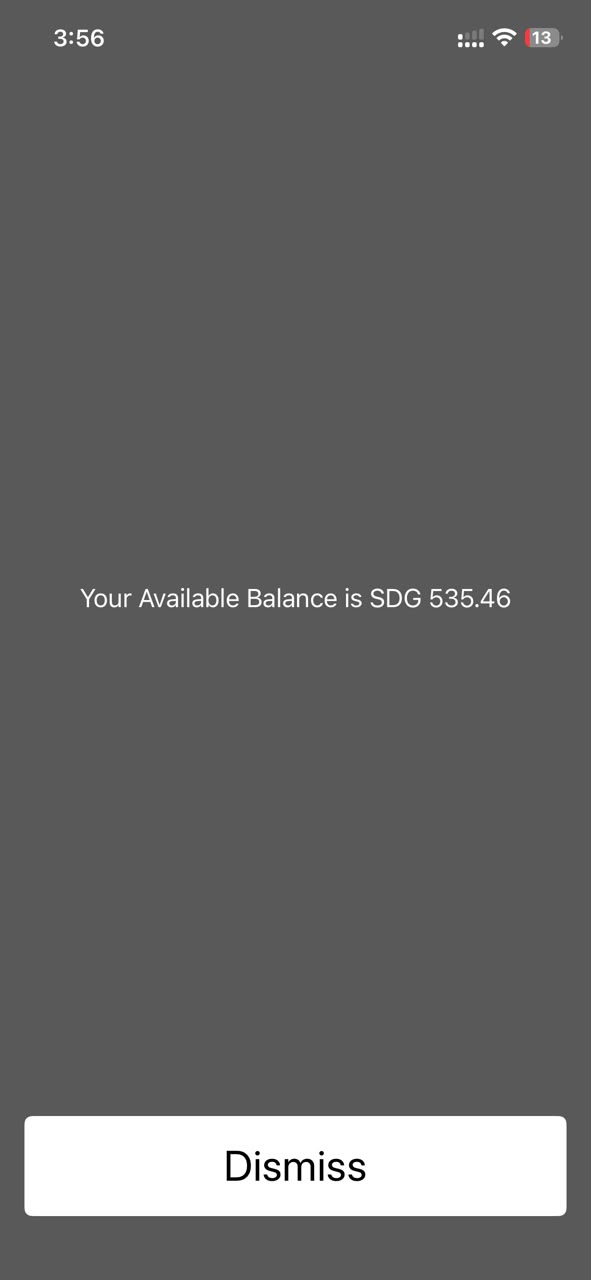
  • The system displays the available account balance on the screen.

Mini Statement

  • Customer dials the USSD code *1913# to access the main menu.
  • Select 2 for "Mini Statement" from the main menu options.
  • Select account type.
  • Enter MPIN.
  • The system displays the last five (5) recent transactions.

Fund Transfer

This feature allows customers to perform real-time fund transfers from their BOK accounts to second-party BOK beneficiaries (Current and Savings accounts).
  • Customer dials the USSD code *1913# to access the main menu.
  • Select 3 for "Fund Transfer" from the main menu options.
  • Select the debit account type from the customer's BOK accounts.
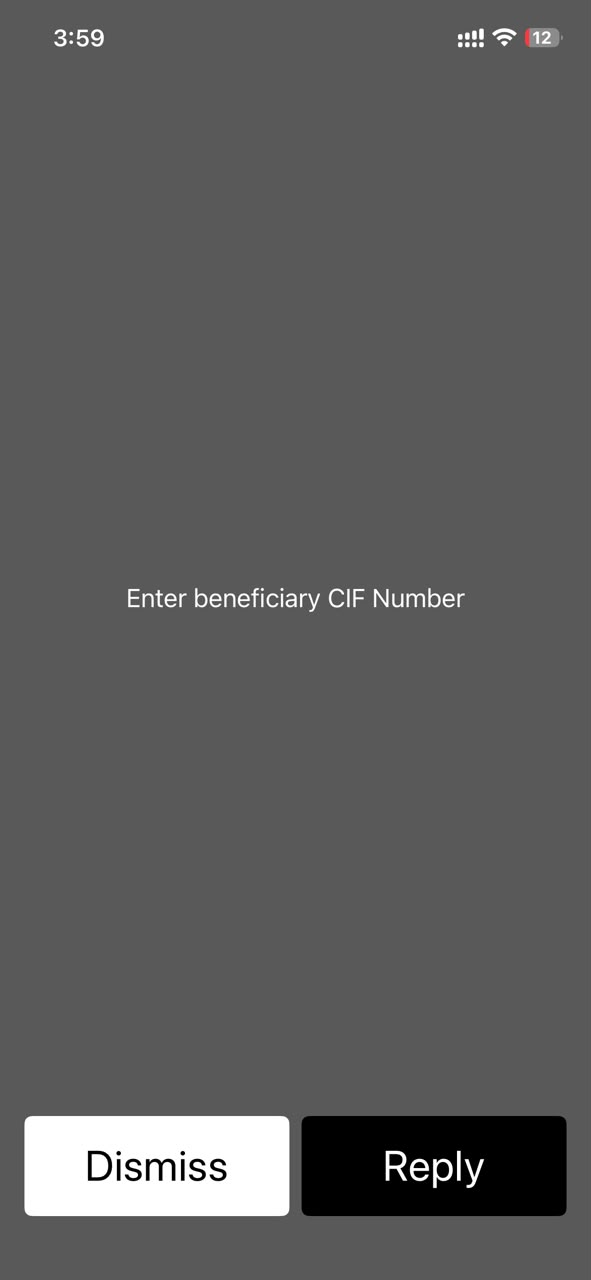
  • Enter the beneficiary's account CIF.
  • Select the beneficiary's account type (Current or Savings).
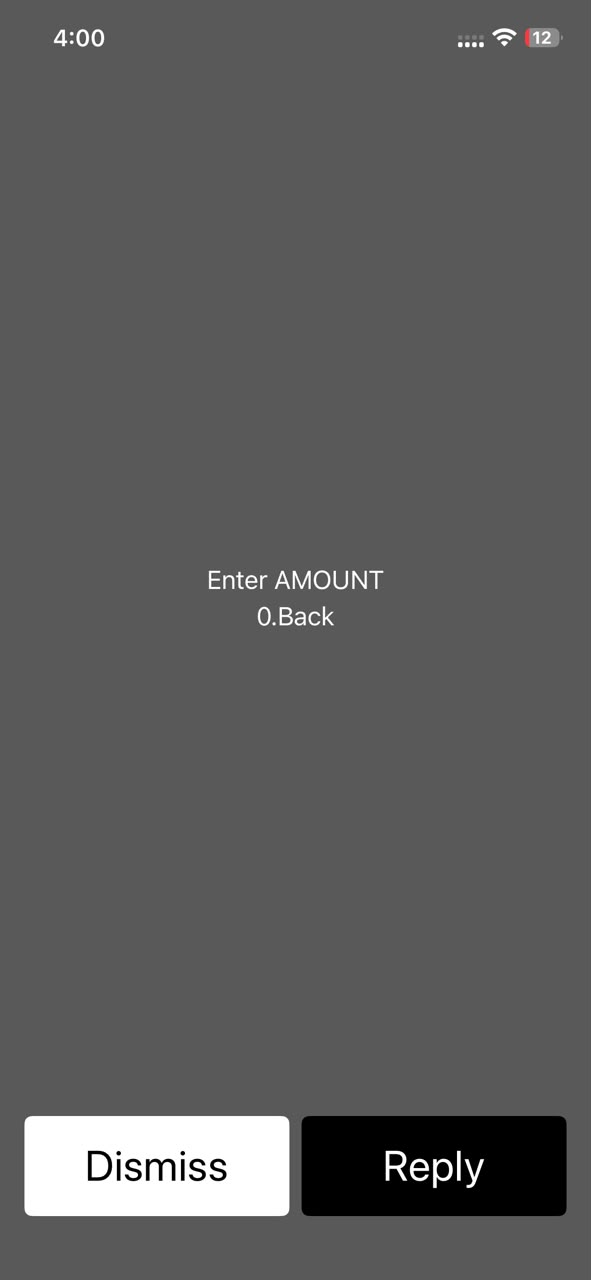
  • Enter the transfer amount in SDG.
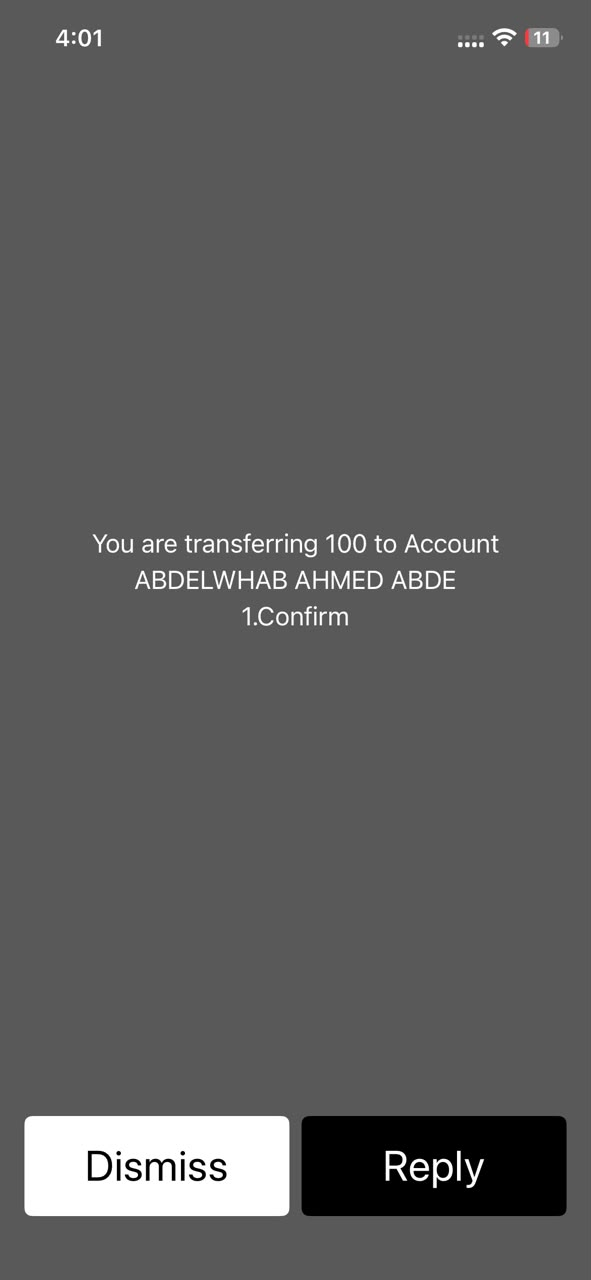
  • Confirm the transaction details.
  • Enter the 4-digit MPIN.
  • The system sends a final confirmation SMS to the sender.

Settings

The customer receives the following submenu:
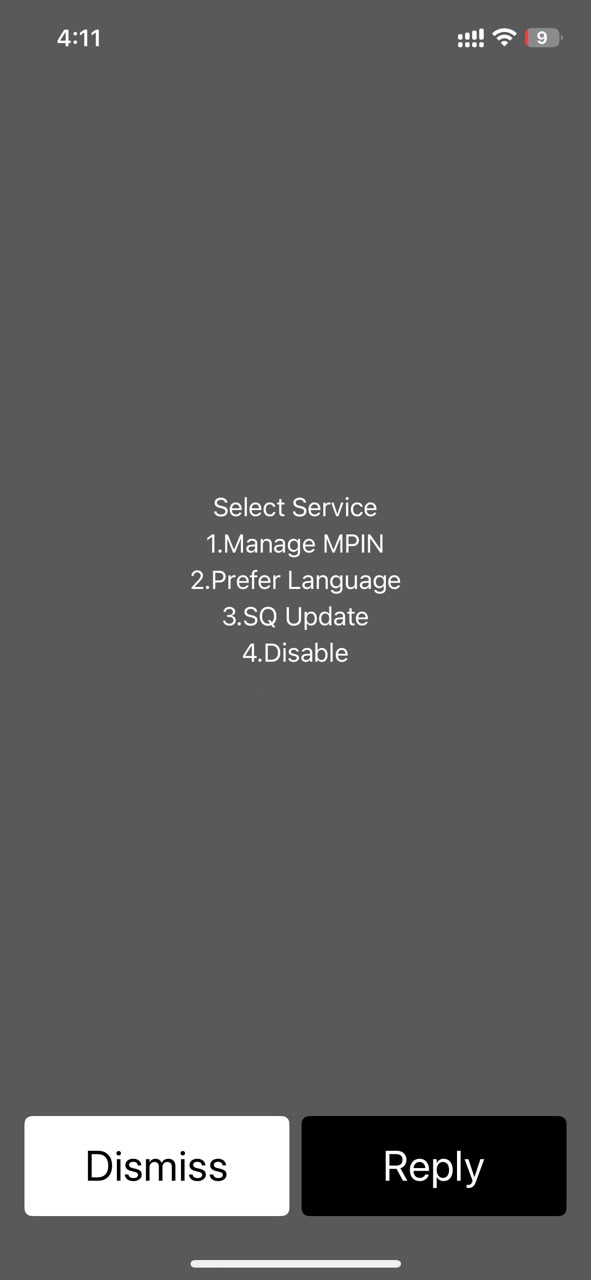
  • Change MPIN
  • Preferred Language
  • SQ Update
  • Disable the service
  • 0 Main Menu

Change MPIN

  • Customer dials the USSD code *1913# to access the main menu.
  • Select 4 for "Settings" from the main menu options.
  • Select 1 for "Change MPIN".
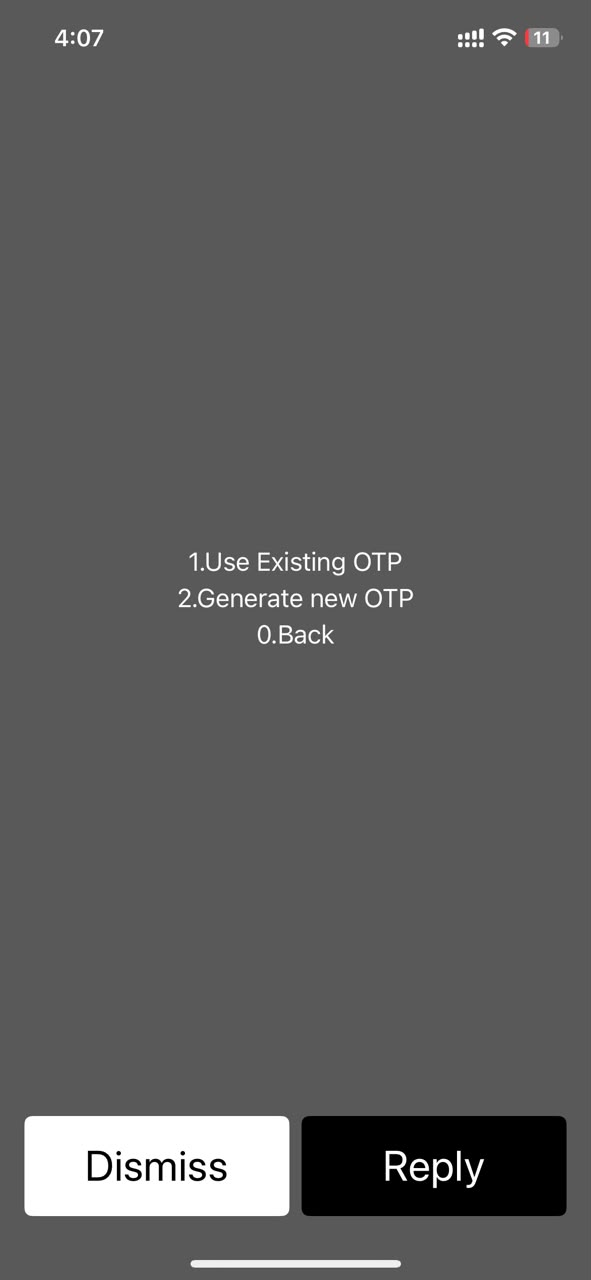
  • Select an OTP option: use an existing OTP if the user already has a valid code, or generate a new OTP to trigger a new request.
  • Enter and confirm the new MPIN.
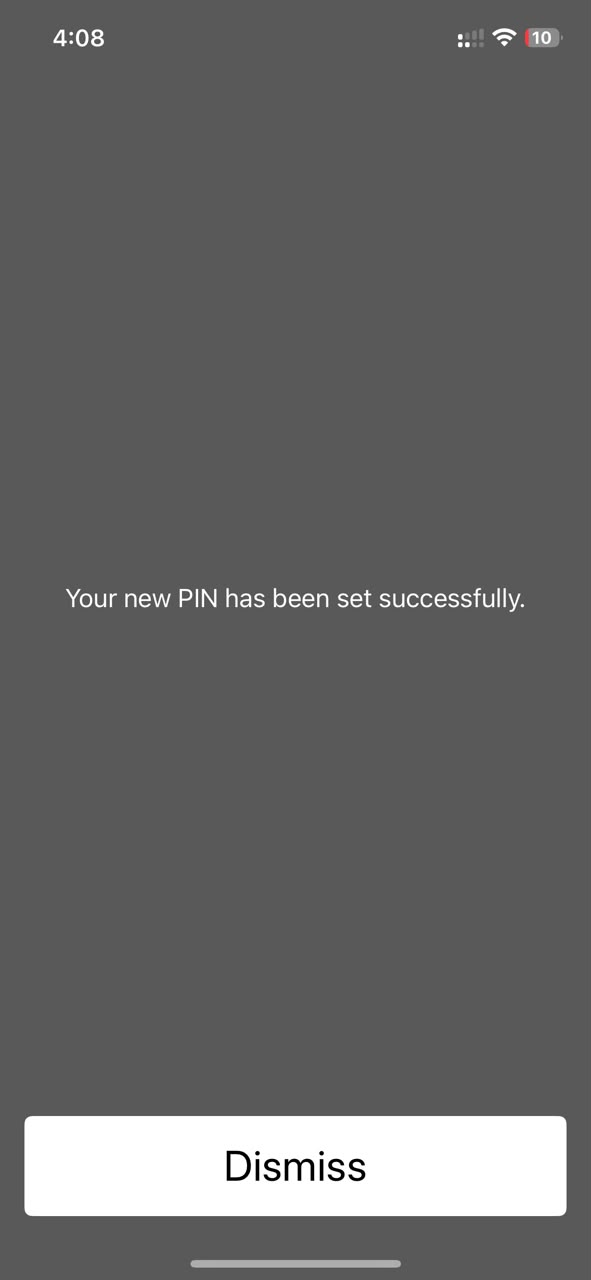
  • Receive a success notification.

Change Language

  • Customer dials the USSD code *1913# to access the main menu.
  • Select 4 for "Settings" from the main menu options.
  • Select 2 for "Preferred Language".
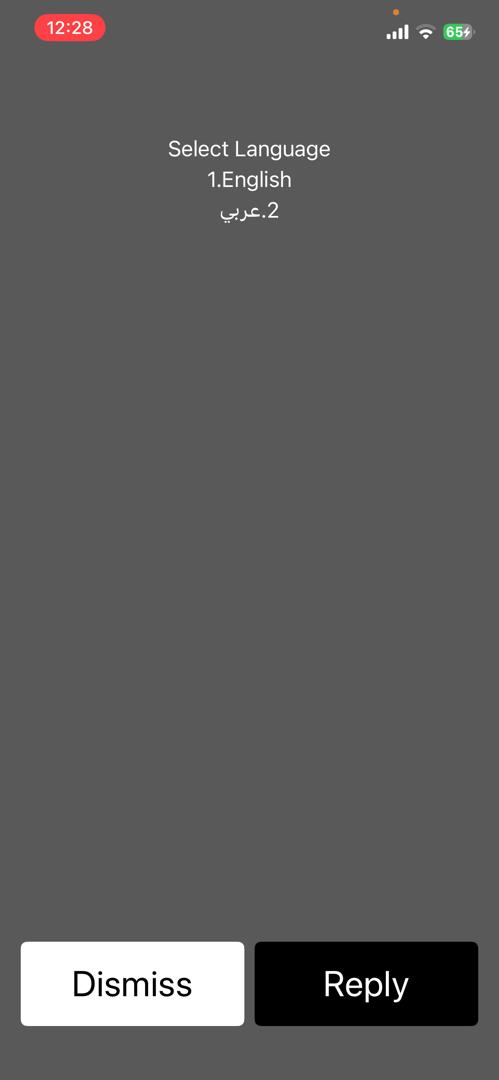
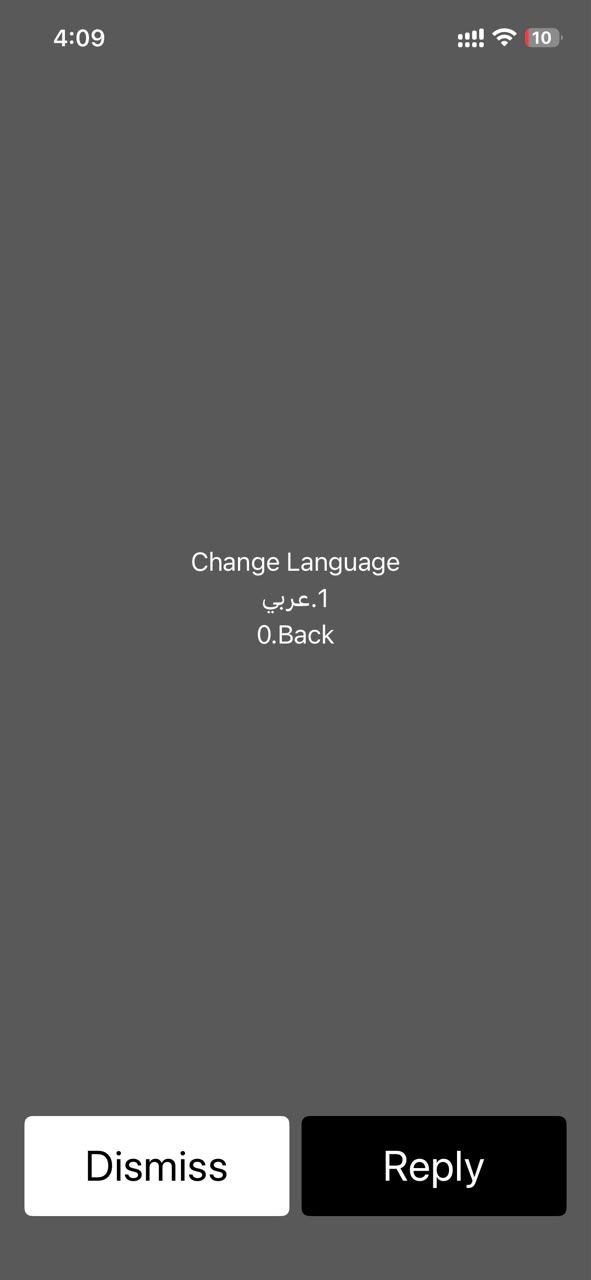
  • The system displays the language menu.
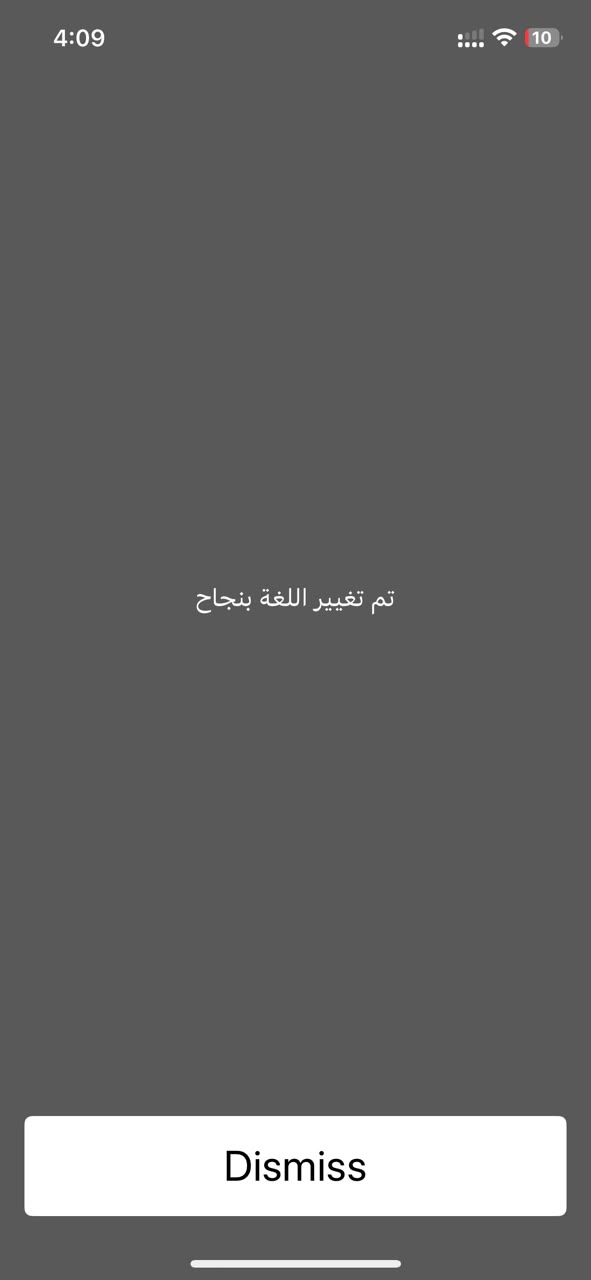
  • Customer selects Arabic or English.

Update SQ

Allows the customer to set security questions, helping them reset their password if they forget it or change device.
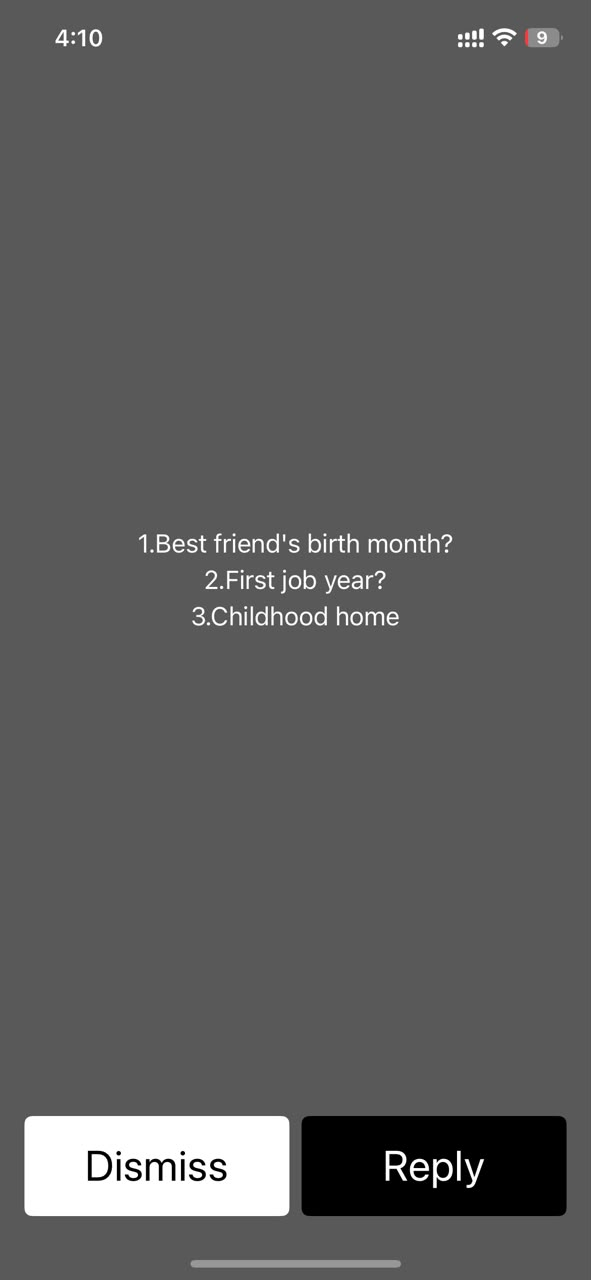
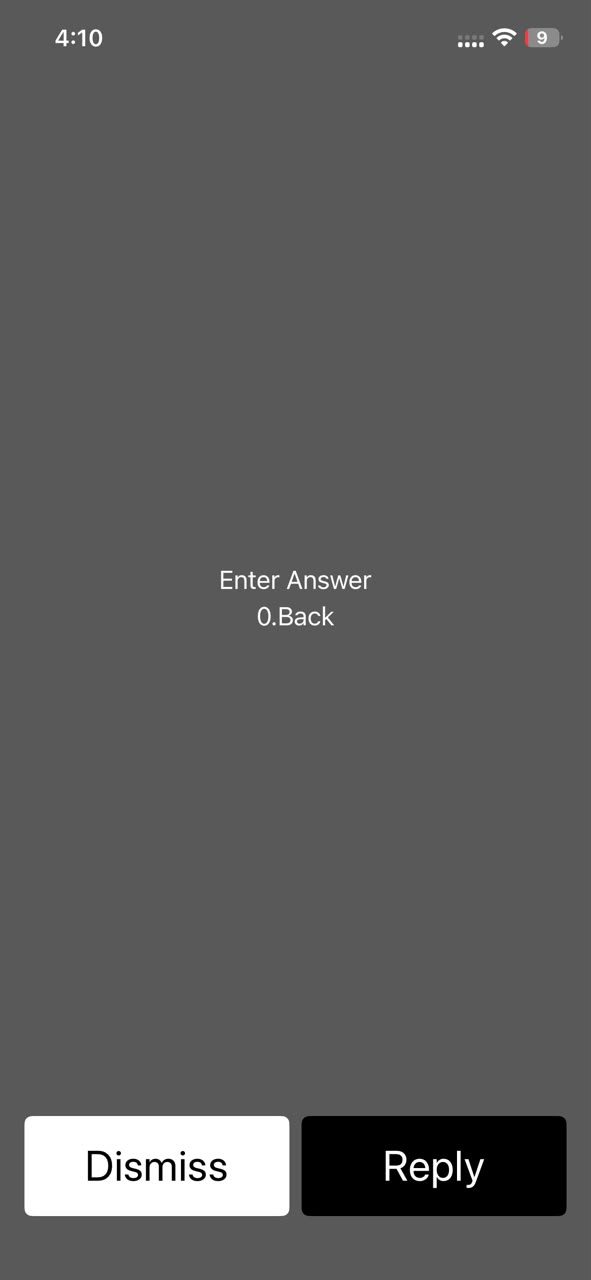
  • Customer dials the USSD code *1913# to access the main menu.
  • Select 4 for "Settings" from the main menu options.
  • Select 3 for "SQ Update".
  • The system displays the security questions menu.
  • Enter the answer.
  • Enter MPIN and send.

Disable the service

  • Customer dials the USSD code *1913# to access the main menu.
  • Select 4 for "Settings" from the main menu options.
  • Select 4 for "Disable the Service".
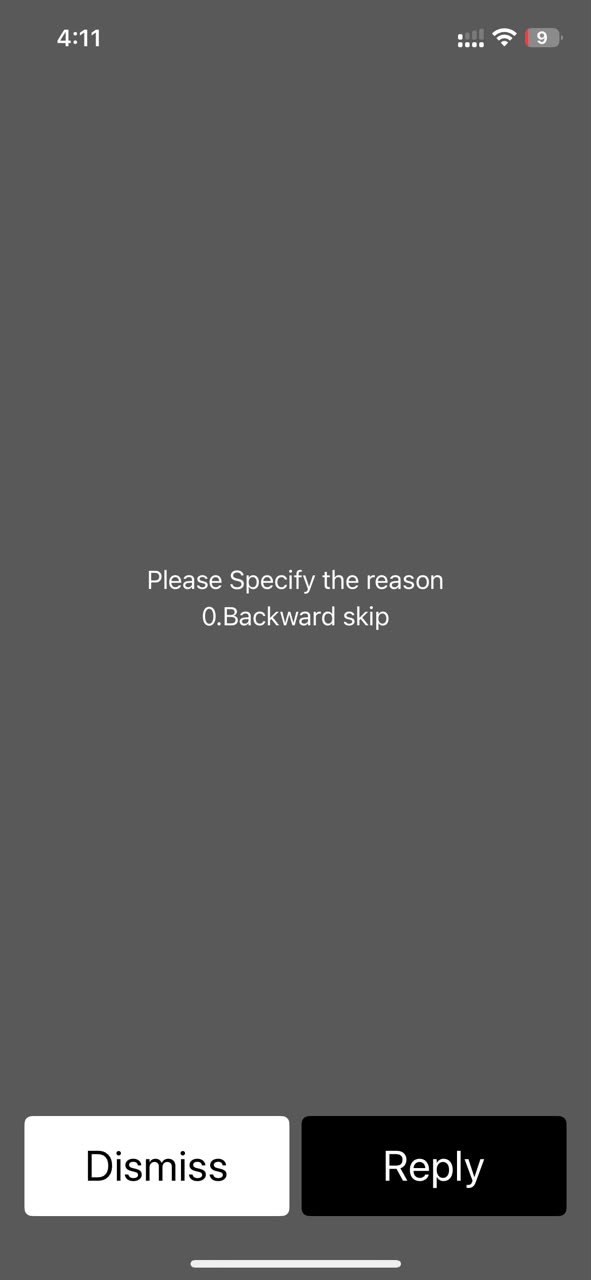
  • Enter the reason.
  • Enter MPIN and send.

We're Here to Help

Reach Bank of Khartoum through your preferred channel for support, branch information, and feedback.

Contact Us Mubasher - 1913 +249187040600 Email info@bok.sd Locate Us Find Us Website Feedback