
Steps to Open an Account Online
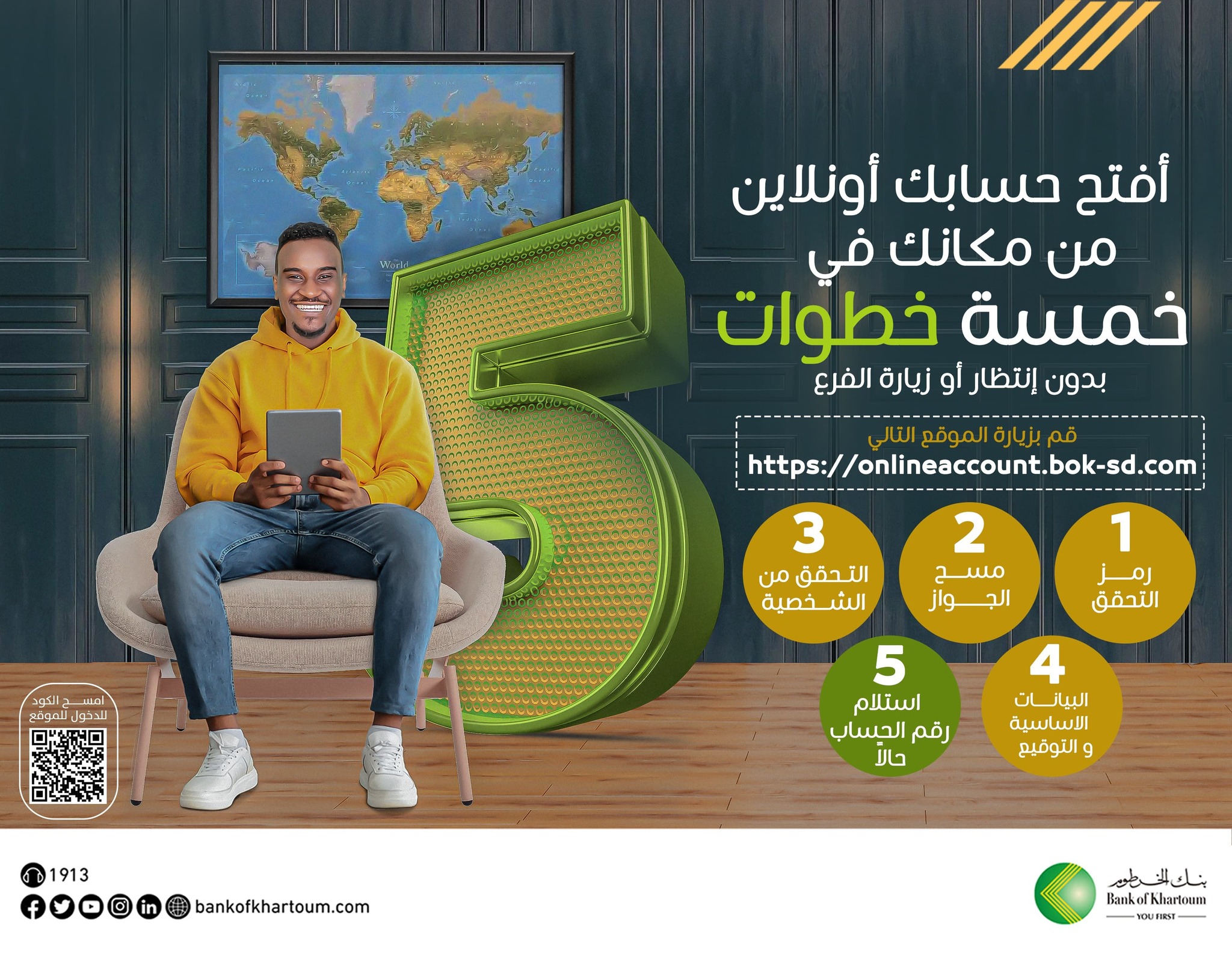
After gathering the required documents, please follow the steps below to complete the account opening process:
- Access the System
- Visit the link: (link in the first comment)
- Enter Basic Information
- Enter the confirmation code (Captcha) as shown
- Choose your preferred language.
- Enter your mobile phone number.
- Provide an active email address.
- Answer the questions regarding U.S. citizenship (FATCA) and politically exposed persons (PEP).
- Read and agree to the terms and conditions to proceed to the next step.
- Confirm Information
- Enter the confirmation code sent to your email to proceed to the next step.
- Take a Picture of Your Passport and Check the Camera
- Prepare your Sudanese passport and take a photo of it as per the instructions
- .Allow the browser to adjust the camera settings when requested
- Ensure the following:
- - You are in a well-lit area.
- - Your face is facing the front camera with a clear image of your entire face.
- - Avoid wearing glasses, hats, or headscarves to ensure facial features are visible.
- - Use a plain, non-reflective background for best results.
- - No one else should be present in the background.
- - It is preferred that the image size does not exceed 300KB for the passport and signature form.
- Complete the Data and Submit the Application
- Fill in the account opening form with personal and employment details.
- Upload the pre-prepared signature form image according to the instructions.
- Click “Submit Application.”
After Submitting the Application
- The system will review your application and notify you of the result (success or failure).
- If the process is successful and the data is verified:
- Your account will be created, and your account number will be sent to your email.
- The password for the “Bankak” app will be sent to your email.
- If a message appears on the screen confirming receipt of your application, the bank team will review your application and respond via email.
Activate the #Bankak App
- Use your account number and the password sent via email to log into the “Bankak” app.
- Change your password as per the instructions in the app.
- Activating the Bankak service and receiving the password message does not require depositing funds into the account.
We hope you have an excellent experience with Bank of Khartoum, and we welcome you to our family!